IconCraft vs Generic AI Image Models

We put IconCraft head-to-head against ChatGPT and other AI image generators. The results reveal why specialized tools win for app icons.
"Just Use ChatGPT"
We hear it all the time. Why pay for an icon generator when ChatGPT can make images now?
So we tested it. We gave ChatGPT, Nano Banana, and IconCraft the exact same prompts—weather, chat, notes, meditation, developer tools, sleep tracker, brand logo, and media player. Same descriptions. Same style requests.
The results weren't even close.
The Problem Nobody Talks About
General-purpose AI models are trained on billions of images—photos, artwork, memes, screenshots. App icons? They're a rounding error in that dataset.
These models don't understand the invisible rules that make app icons work:
- How light should fall on a 3D element at icon scale
- Why certain gradient angles feel premium and others feel cheap
- The specific glow intensities that read well on both light and dark home screens
- How to maintain clarity when your icon shrinks to 60 pixels
They can approximate an app icon. They can't craft one.
Head-to-Head: Same Prompt, Different Results
We ran eight comparison tests. Judge for yourself.
Weather App
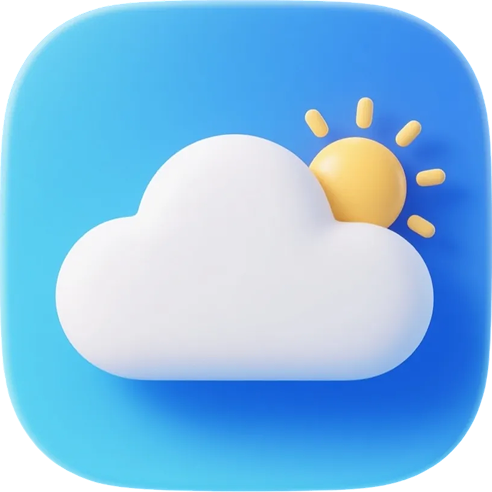
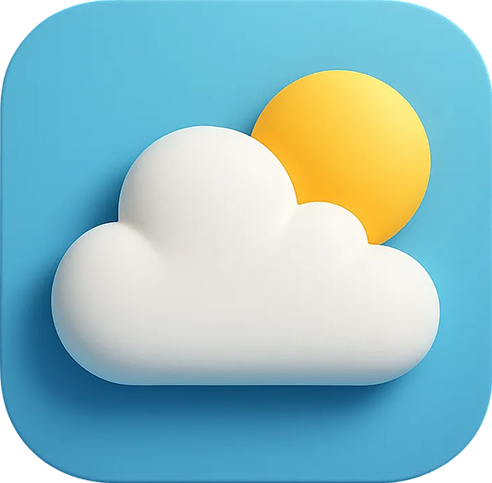
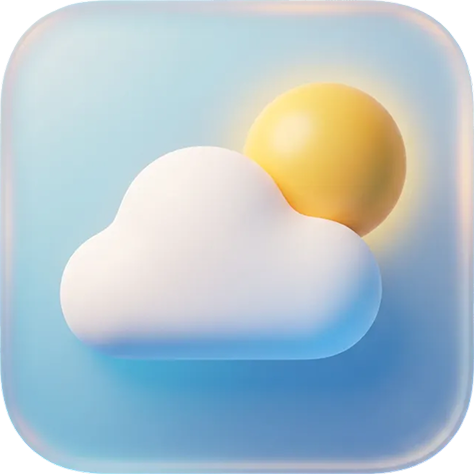
IconCraft nails the sun rays and cloud depth. The gradient feels intentional. ChatGPT produces a usable result but the lighting is flat. Nano Banana's glassmorphism attempt lacks the refinement you'd expect from a shipping app.
Chat App
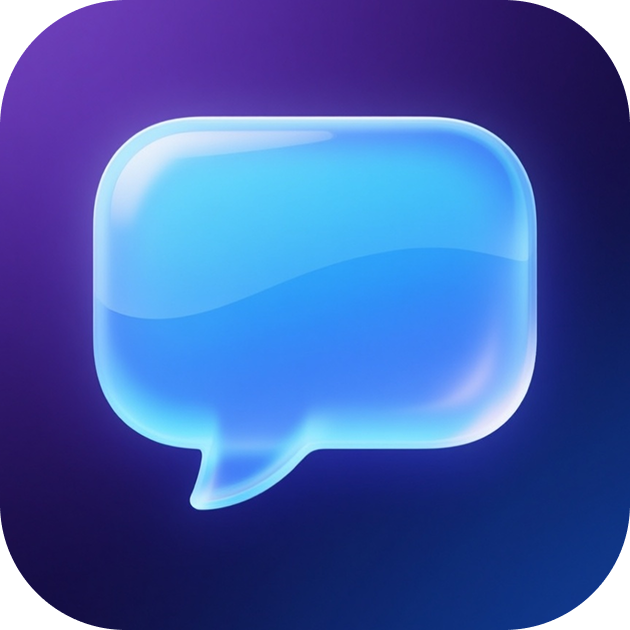


The glow effect tells the story. IconCraft's bubble has that premium luminosity—bright where it should be, subtle where it shouldn't. The others miss the mark on light diffusion.
Notes App
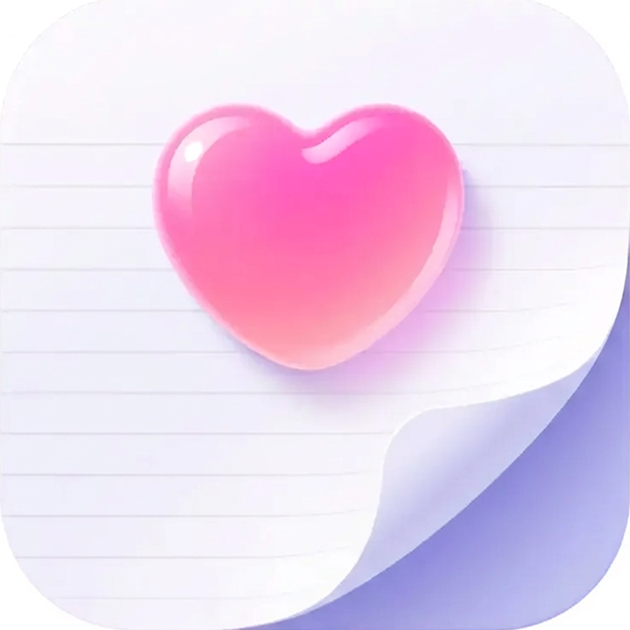
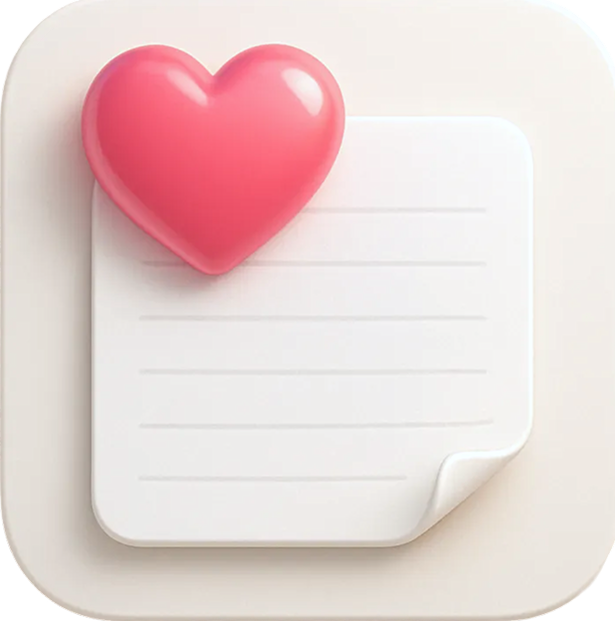
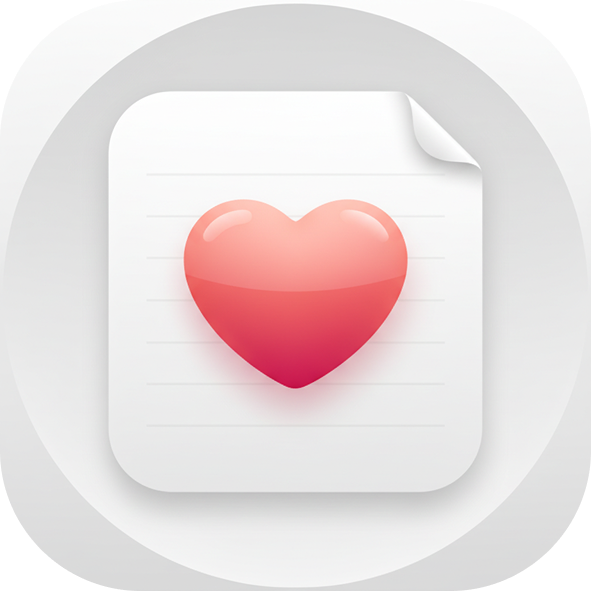
Clean, minimal, balanced. IconCraft understands negative space. The shadow depth is just right—present but not heavy. This could ship to the App Store today.
Meditation App
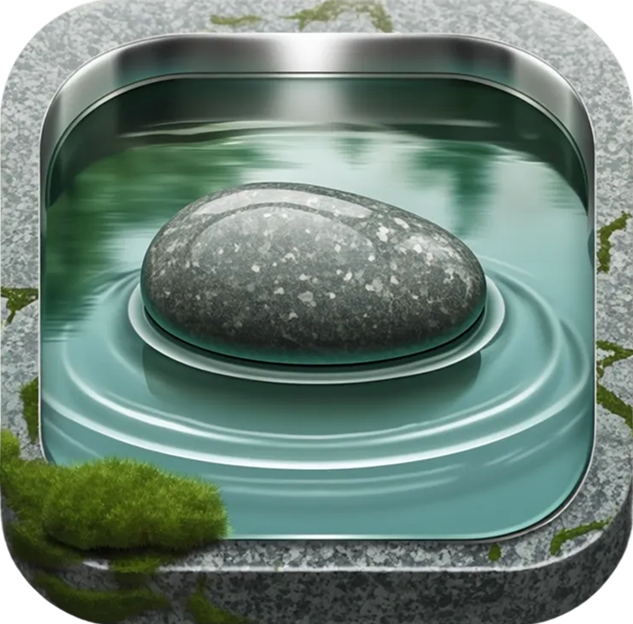
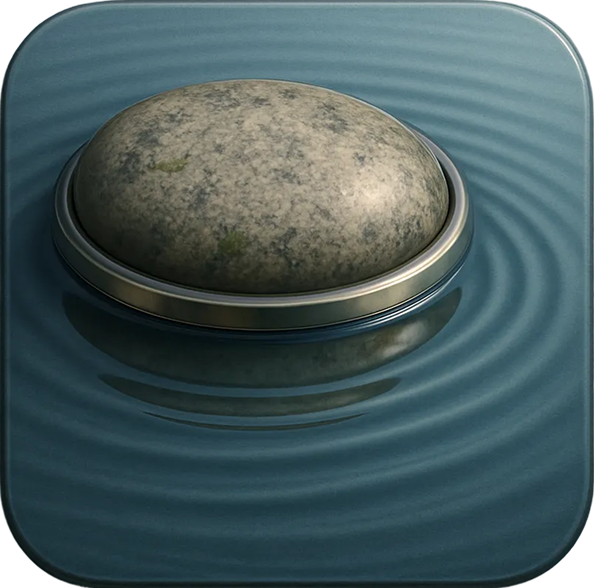
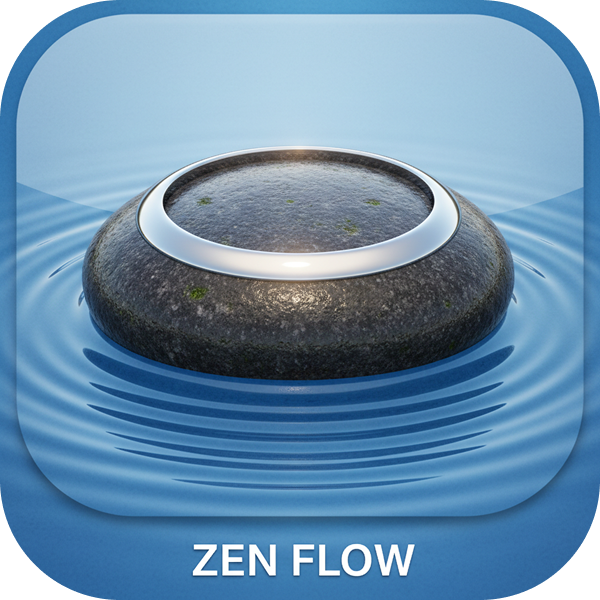
Water ripples are notoriously hard to get right. IconCraft's concentric rings feel natural. The stone has weight. The whole composition communicates "calm" instantly—exactly what a meditation app needs.
Developer Tools
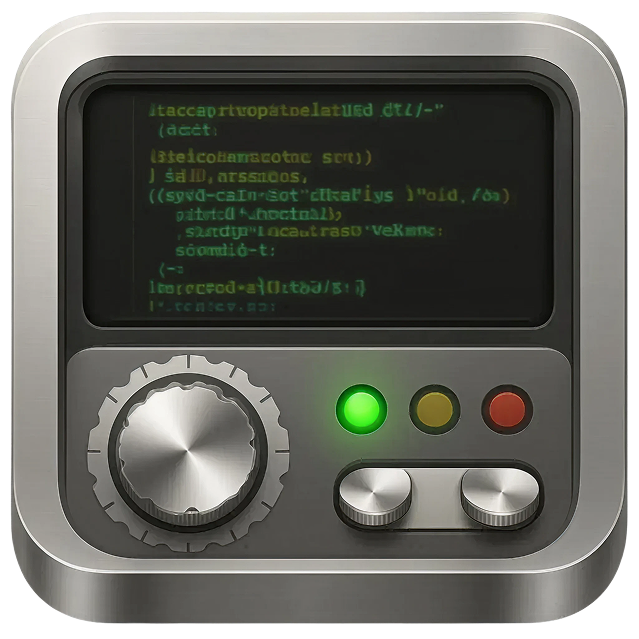
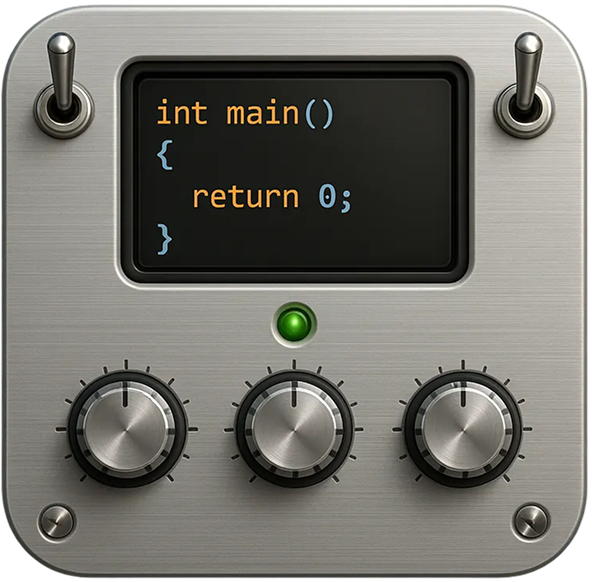
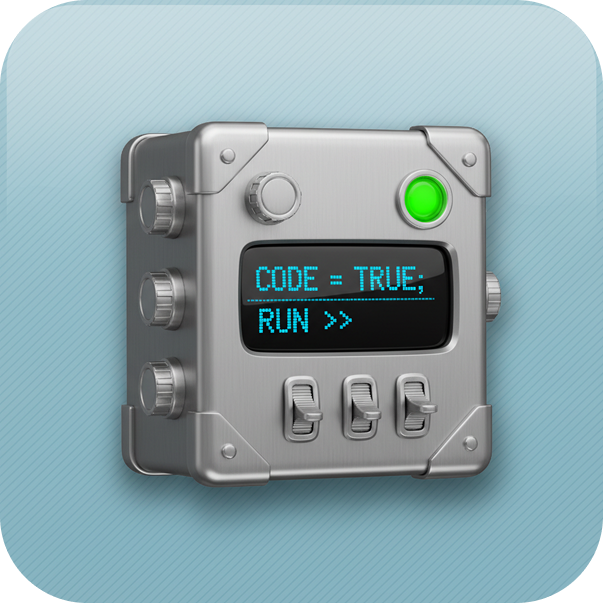
The skeuomorphic test. IconCraft delivers brushed metal that looks brushed, screen glow that looks like actual backlight, knobs with proper specular highlights. The details compound into something that feels real.
Sleep/Journal App
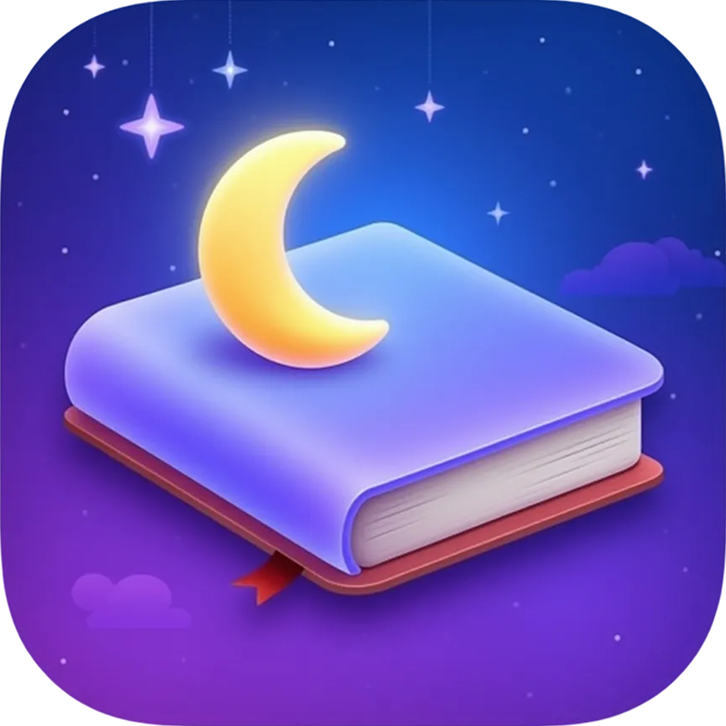
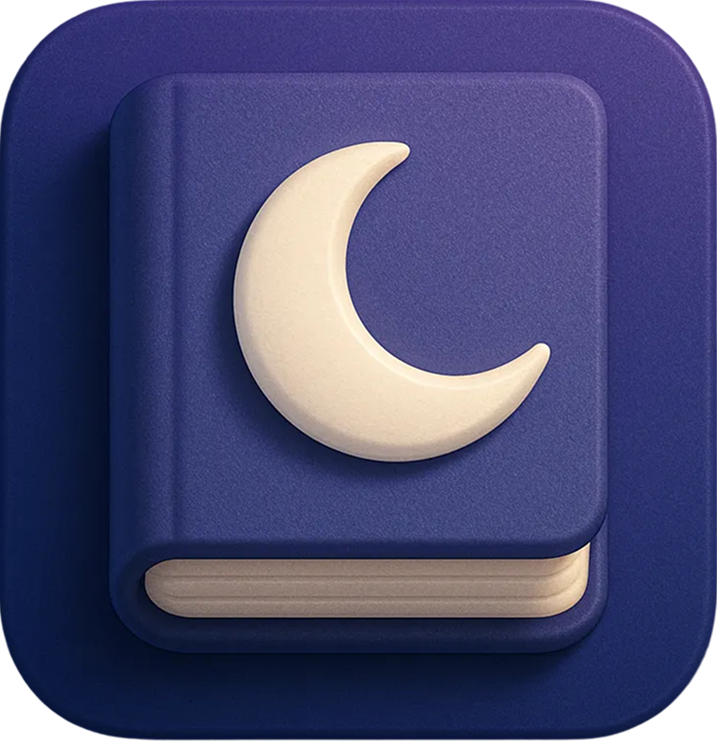
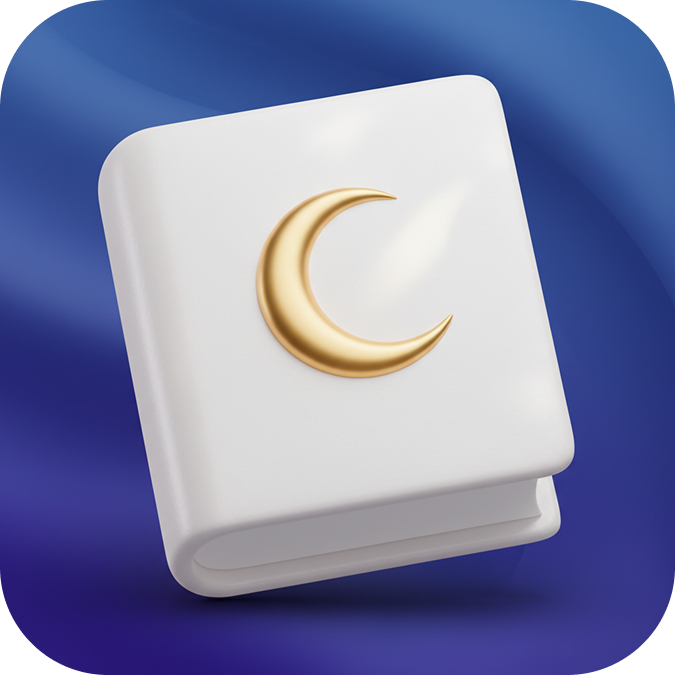
A dream journal with a moon motif. IconCraft's glowing moon against the starry gradient creates atmosphere. The book has realistic depth and the composition feels balanced. ChatGPT's version is solid but lacks the magical quality. Nano Banana goes bold with the gold moon but the perspective feels off.
Brand Logo App
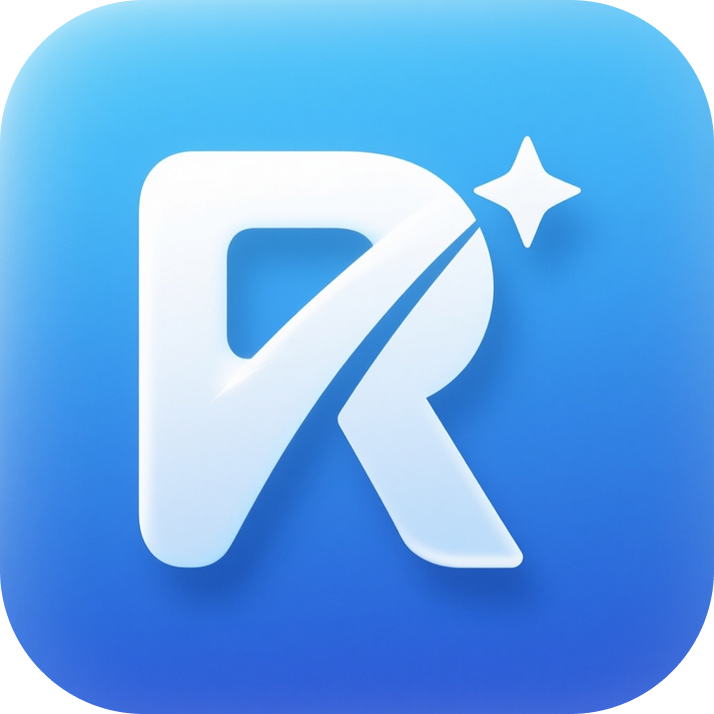
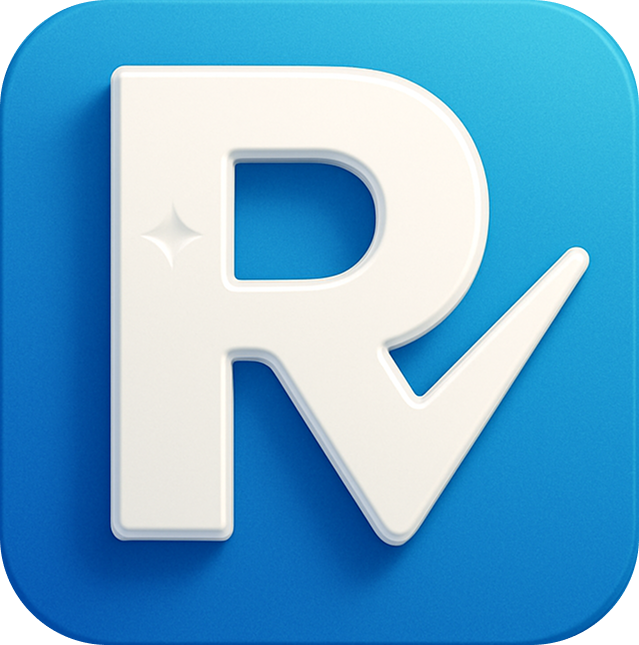
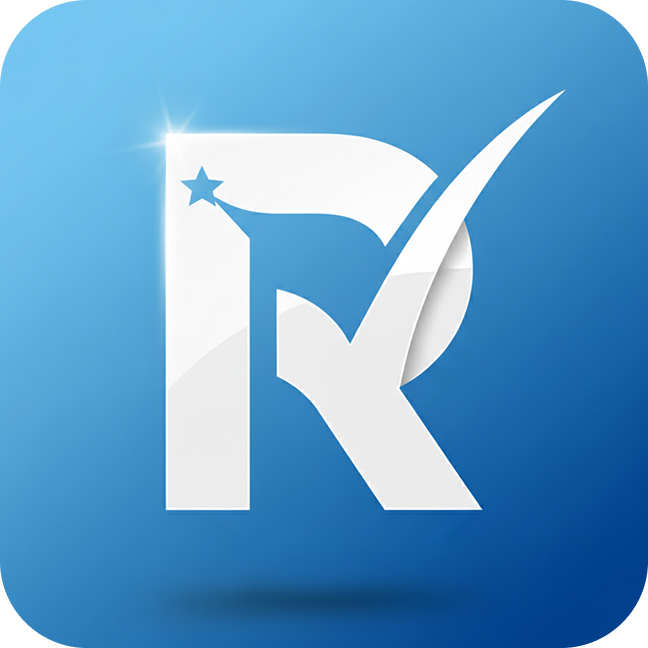
Logo-style icons need precision. IconCraft's 3D letterform has clean edges, proper depth, and that signature sparkle that says "premium." The others produce usable results but miss the polish that makes a brand icon feel intentional.
DVD/Media App
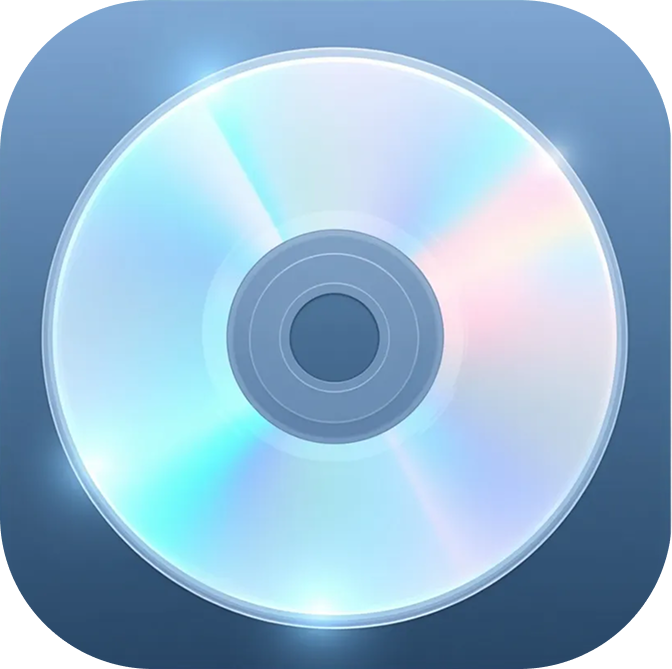
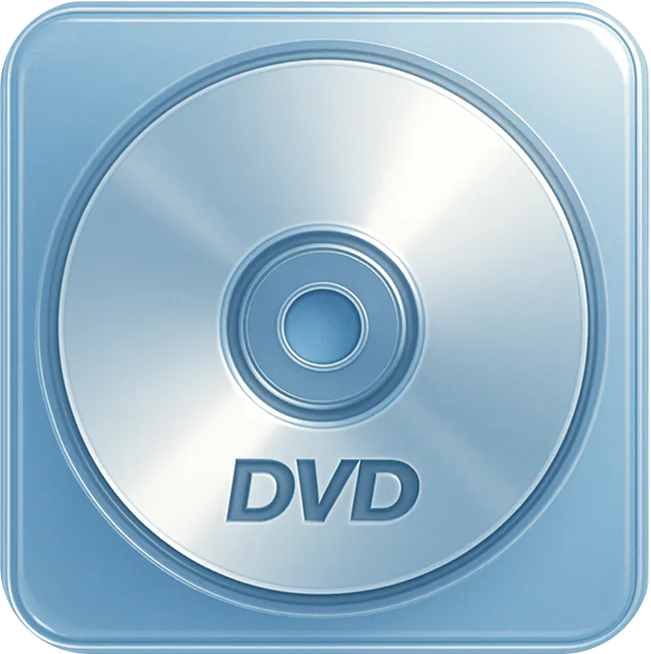
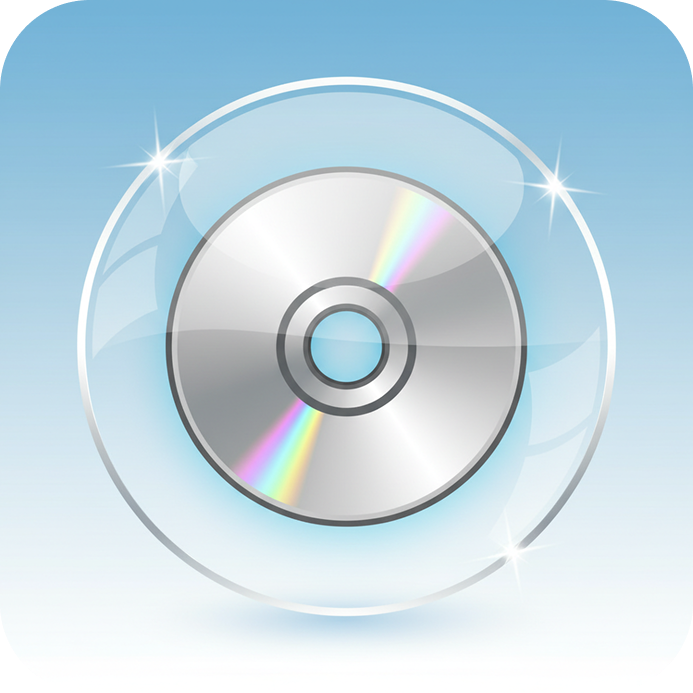
The disc reflection test—one of the hardest things to get right. IconCraft's prismatic rainbow effect looks like actual light diffraction. The surface has that authentic CD shimmer. ChatGPT's skeuomorphic case is decent but dated. Nano Banana's glass bubble concept is creative but the execution lacks refinement.
Why Specialized Beats General
IconCraft isn't trying to generate everything. It's trained specifically on successful app icons—the ones that ship, the ones that convert, the ones that look right at every size.
That focus shows up in three places:
Gradients that feel premium. Smooth color transitions with intentional direction. No banding. No muddy midtones.
Lighting that makes sense. Consistent light sources. Shadows that ground elements. Highlights that add dimension without looking artificial.
Effects that actually work. Glass effects with proper refraction. Metal finishes with believable reflections. Glows that enhance rather than overwhelm.
The Real Cost of "Good Enough"
A mediocre icon doesn't break your app. It just quietly underperforms—on every impression, in every search result, on every home screen.
You'll never see the downloads you didn't get. The users who scrolled past. The conversions that could have been.
Your app icon is a lever. Use a tool built to pull it.
Related Articles
Create Designer-Grade App Icons in seconds
Turn Your App Idea Into a Stunning Icon – No Designer Needed